Rocket Arena Mobile Tips
Touch-friendly habits for Hunt eggs, Classic KOs, and remake BrickBattle sessions.
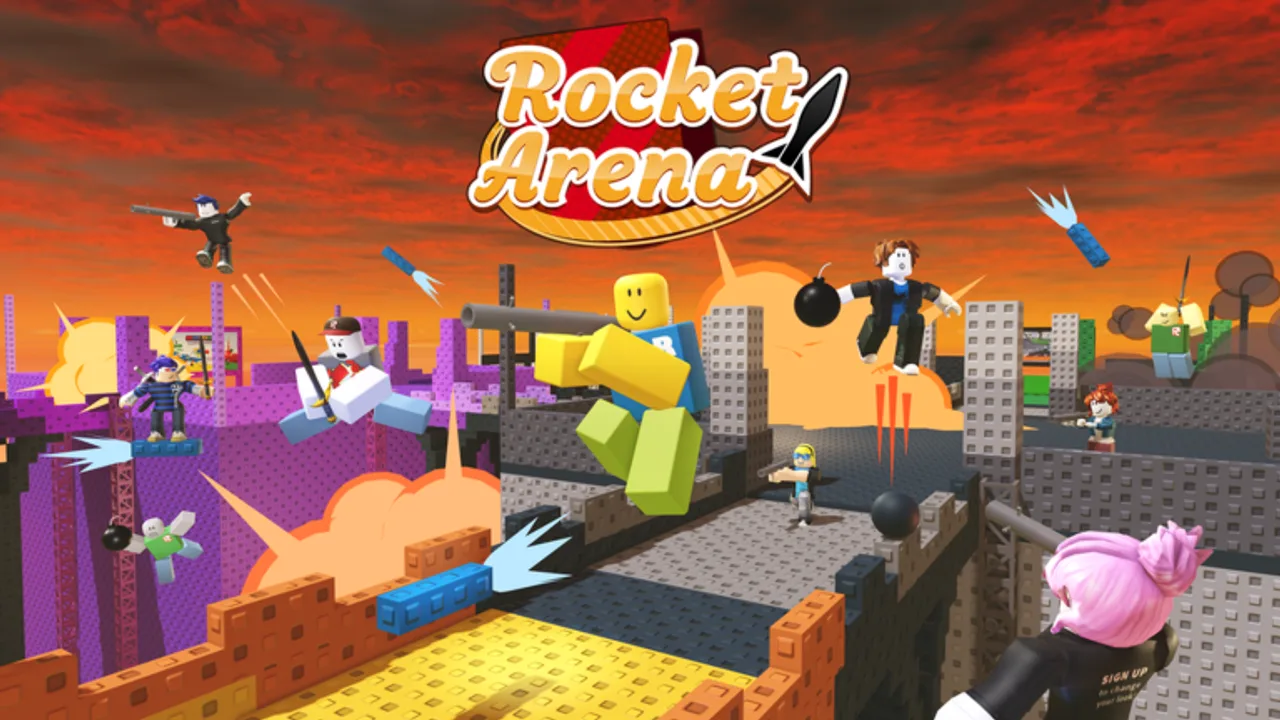
Rocket Arena on a phone is absolutely playable — thousands of Hunt clears happen on touch — but the control model fights you if you treat it like desktop. This page focuses on mobile / touch habits for the Hunt 2008 lobby, Classic portal KOs, and everyday remake sessions. Pair it with the general bind model on Controls and thrust discipline on Jetboots.
If something feels “bugged” on mobile, skim Hunt Troubleshooting before assuming the event broke. Many softlocks are missed paint taps or wrong-tool hotbar swaps.
Set up the touch UI before you fight
Take sixty seconds in a quiet pad (remake) or a calm corner of the 2008 lobby:
- Open Roblox mobile settings and shrink or rearrange on-screen buttons if your device allows custom touch layouts.
- Put rockets and jetboots on predictable hotbar slots you can hit without covering the aim reticle.
- During Hunt lobby work, keep the paintgun selected until eggs are done — do not leave rockets equipped “just in case.”
- Lower graphics if the lobby or remake server stutters. Input delay feels like bad aim.
- Brighten the screen outdoors; lava edges are harder to read on a washed-out phone display.
Stable UI beats heroic thumb gymnastics mid-bridge.
Hunt lobby: painting eggs on touch
Eggs fail on mobile for boring reasons: camera drag steals the tap, the paintgun was not equipped, or you brushed the egg while moving.
Mobile egg routine
- Stop walking.
- Confirm paintgun is the active tool.
- Frame the egg with a slight zoom / camera settle.
- Fire once, watch the Hunt counter.
- Only then move to the next landmark on Hunt Egg Locations.
Remember the visual recolor quirk: some eggs never look painted even when the counter ticks. Trust the meter and tick the Egg Checklist. Ship and bar eggs are especially fussy — give them a clean stationary shot, then rejoin if needed (Hunt Troubleshooting).
For the Trowel egg, orbit on touch so you can see behind / under the giant Trowel to the right of the Rocket Arena portal. One low camera angle is not enough on a small screen.
Classic Hunt KOs on mobile
Five knockouts on touch are slower but honest. Prioritize stable footing over cinematic mid-air duels.
Touch KO habits
- Take short jetboot hops, then fire from a landed pad — simultaneous thrust + aim is where thumbs lose.
- Pre-aim lava lips and bridge mouths; splash feet, not vanity torso shots (Knockout Tips).
- Break escape bridges when you can do it without deleting your only path home (Map Layout).
- After each KO, reset instead of ego-chasing across three broken spans with empty boots.
- If the Hunt KO meter refuses to move, confirm you entered through the 2008 portal into the event Classic path (place 25415), not a random remake server (Remake vs Classic).
Many players paint on mobile, then finish KOs on desktop or controller. That hybrid path is smart, not cheating.
Jetboots on a small screen
Classic-style boots still give roughly a six-second useful lift window. On mobile, the failure mode is holding thrust while the camera points at the sky.
- Tap thrust in bursts; release early.
- Glance down during hops so the landing pad stays visible.
- Prefer center-pad takeoffs; edge takeoffs plus touch drift equal lava.
- Keep recovery fuel — panic full-burns are how mobile players feed.
Deep theory stays on Jetboots; this page only changes how thumbs apply it.
Remake lag and crowded servers
Build N Blox remake servers can hold up to 18 players. On mid-range phones that means dropped frames right when bridges break.
Lag triage
- Drop graphics quality until turn rate feels responsive.
- Fight edge pads with fewer overlapping effects when possible.
- Avoid opening the full backpack UI mid-fight.
- If the session is unplayable, switch servers or finish Hunt objectives in a quieter moment.
- Warm-up badge grinds (Sun Burn route, kill milestones) can wait for Wi-Fi and cooler hardware — see Players and Kill Badges.
Remake practice still helps Hunt aim, but only Hunt portal KOs fill the event meter.
Hotbar discipline specific to touch
Touch mis-taps swap tools at the worst time.
- Lobby = paintgun locked until 10/10.
- Arena = rockets primary, jetboots one slot away.
- Never leave the backpack panel open while crossing a damaged bridge.
- After a death, re-check the active tool before you sprint — respawn sometimes leaves you on the wrong slot.
If you keep firing rockets at eggs, that is a hotbar problem, not an event bug.
Aiming tips that survive fat-finger error
- Lead with larger splash targets: feet, bridge seams, pad lips.
- Strafe in short taps rather than long stick holds that spin the camera.
- When an opponent is mid-jetboot, aim the landing pad, not the silhouette in the sky.
- Accept fewer shots per life. Clean conversions beat spam that also knocks you back into lava.
Hybrid device plan for The Hunt deadline
The Hunt window ends around 10 AM PT on September 28, 2026. If you are mostly on mobile:
- Clear eggs carefully with stationary paint shots.
- Rejoin once if counters stick.
- Attempt KOs on mobile only while servers feel responsive.
- Switch devices for the last KOs if you have access.
- Claim at the tree near Person299 on whichever device loads the lobby cleanly (Brick-Blast Jetpack).
Event briefing: Hunt: Roblox 20.
Related pages
- Controls — full input model
- Jetboots — thrust budget
- Hunt Troubleshooting — softlock fixes
- Knockout Tips — conversion habits
- Guides Hub — index
Mobile Rocket Arena rewards players who stop, shoot, land, and reset. Slow thumbs with a climbing counter beat fast thumbs that paint nothing.
Frequently Asked Questions
Quick answers about Rocket Arena, Hunt eggs, and knockouts.
Can I finish The Hunt Rocket Arena challenge entirely on mobile?
Yes. Paint eggs with stationary paintgun shots, then take careful pad-based KOs. Switching to desktop for knockouts is optional quality-of-life.
Why do my paint shots miss on my phone?
Camera drag often steals the tap. Stop moving, confirm the paintgun is equipped, then fire and watch the counter.
Should I thrust and aim rockets at the same time on mobile?
Prefer short hops, then fire from stable footing. Simultaneous thrust and aim is the most common mobile KO failure.
How do I reduce remake lag on mobile?
Lower graphics, avoid backpack UI mid-fight, and rotate to less chaotic pads when frames drop.
Where can I read general (non-mobile) controls?
Use the Controls guide for the shared rocket, jetboots, and hotbar model across devices.
What if Hunt progress looks stuck on mobile?
Follow Hunt Troubleshooting: rejoin the 2008 lobby, reshoot fussy eggs, and confirm KOs happen through the Hunt arena portal.